
Free online DAW & audio editor
A multi-track DAW: record, mix and master in your browser.
SoundCraft is a browser-based digital audio workstation: a multi-track timeline with waveform editing, effects, MIDI instruments, a piano roll, DJ decks, and it hosts your real VST3 plugins through the free ClipCraft Bridge. 100% client-side, no install.
Free to use · No install · Runs in your browser
Everything SoundCraft can do
A serious editor that happens to run in a browser tab.
Multi-track timeline
A GarageBand/Ableton-style arrangement with up to 12 tracks, channel groups, solo/mute, volume and pan, and undo/redo throughout.
Waveform editing
Drop audio onto a lane and cut, trim, move, fade and crossfade clips on a deep-zoom waveform with grid snapping.
Effects & mixing
Reverb, EQ and more per channel, plus group buses so one effect can process a whole submix.
MIDI & instruments
Add MIDI tracks, pick an instrument, and play or draw notes in a full piano roll. Synths, samplers and drums included.
Real VST3 plugins
The free ClipCraft Bridge hosts your own VST3 instruments and effects (Omnisphere, Kontakt, Auto-Tune) right inside the editor.
DJ decks
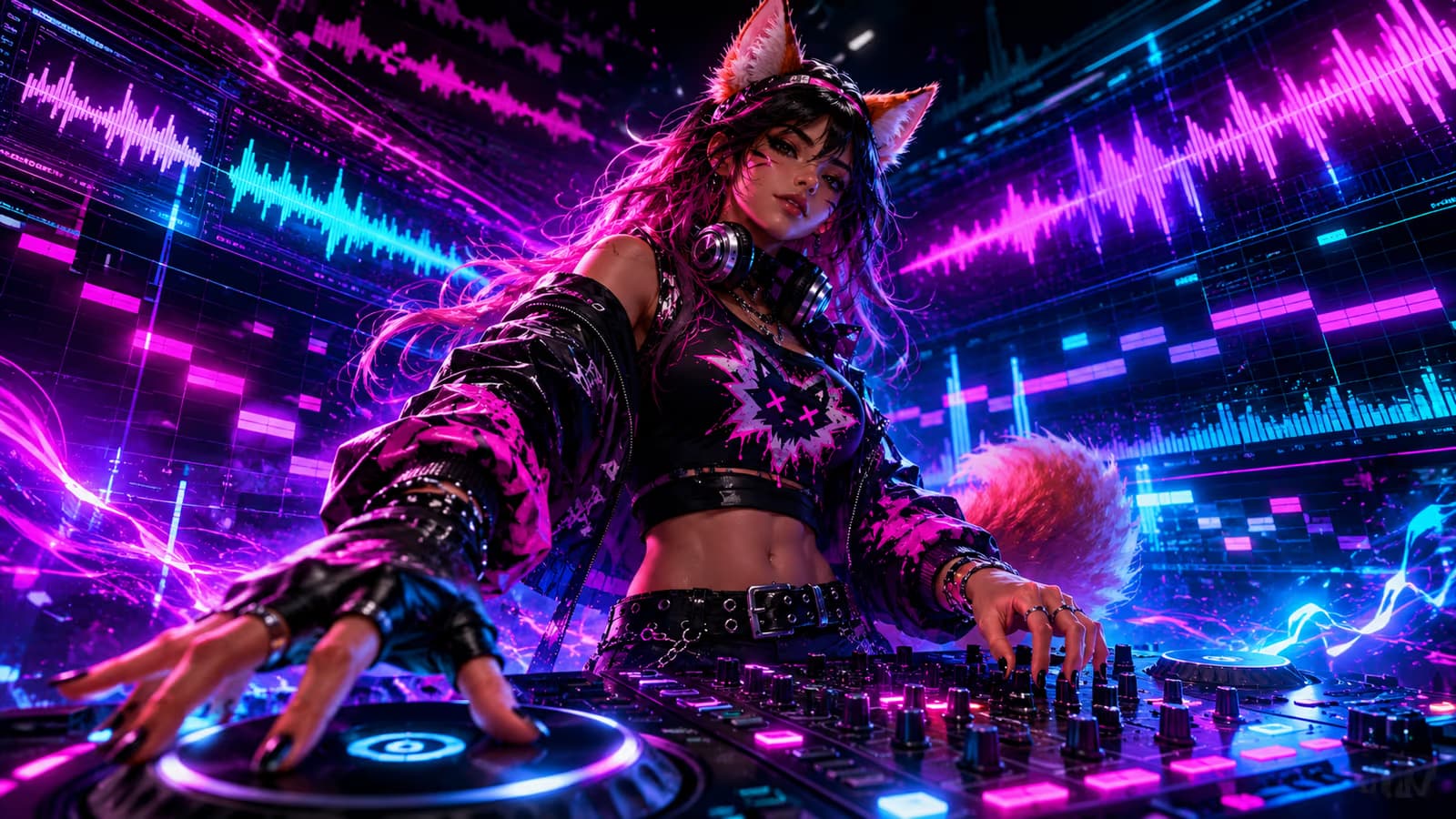
A two-deck DJ mixer with turntables, hot cues, loops, EQ, sync and a crossfader. It tears off into its own window and is MIDI-mappable.
Automation & groups
Automate parameters over time and route channels into group buses for clean, organized mixes.
Export & share
Bounce to MP3 or WAV, hand a clip to VideoCraft, or post your finished track to the ClipCraft community.
How it works
Start working
SoundCraft opens as a blank session — drop in audio or add a MIDI track. Save it when you like and it auto-saves from then on.
Record, arrange & mix
Cut and fade clips, play instruments, add effects and automation, and run your own VST3 plugins through the Bridge.
Export or post
Bounce to MP3 or WAV, send audio over to VideoCraft, or post your track to the community feed.
Guides & tutorials
SoundCraft: A Free Online DAW That Runs Entirely in Your Browser
SoundCraft is a free online DAW with a multi-track timeline, piano roll, 15 effects, automation, and real VST3 plugin support. No install, no watermark.
Read the guide →The 7 Best Free DAWs in 2026 (Desktop and Browser)
Seven genuinely free DAWs for 2026, desktop and browser, with the real catch on each: platform locks, missing audio recording, silent demos, and sign-in walls.
Read the guide →ClipCraft Bridge: Use Your Real VST3 Plugins in an Online DAW
The free ClipCraft Bridge hosts your VST3 plugins (Omnisphere, Massive X, Auto-Tune Pro) inside SoundCraft, a browser DAW. How it works and what it can't do.
Read the guide →How to Auto-Tune Vocals Free Online
Pitch-correct a vocal in your browser with SoundCraft's free Auto-Tune effect: what retune speed does, how to set the key (or let Auto Key find it), and when to reach for Humanize.
Read the guide →Free Online DJ Mixer: Two Decks, Hot Cues and Loops in Your Browser
A free online DJ mixer with two decks, hot cues, loops, 3-band EQ and an equal-power crossfader, running fully in your browser. Nothing uploads.
Read the guide →EQ Explained: How to Use an Equalizer When Mixing Music
Learn how to use an equalizer: what each frequency range sounds like, why cuts beat boosts, and the sweep trick, taught on SoundCraft's free 8-band EQ.
Read the guide →Frequently asked questions
Is SoundCraft free?
Yes, the DAW is free for everyone, no card required. Paid plans add project storage and tokens for AI jobs; editing and mixing are free.
Can it run my VST plugins?
Yes, the free ClipCraft Bridge (a small Windows companion app) hosts your real VST3 instruments and effects inside the editor. VST2 isn't supported; VST3 only.
Do I need to install a DAW?
No, SoundCraft runs in your browser. Only VST3 hosting needs the optional free Bridge app.
Does it have MIDI and a piano roll?
Yes, add MIDI tracks, choose an instrument, and edit notes in a full piano roll, or play live with your keyboard or a MIDI controller.
Can I export my mix?
Yes, bounce the whole arrangement (or individual tracks and groups) to MP3 or WAV, or post it straight to the community.
Start creating with SoundCraft
Free to use, right in your browser. Sign up free and start in seconds.
Get started free